Account settings
Account settings is about you, not your business: your name, how you sign in, and where you're signed in. They're the same at every business you belong to.
Your account
Click your name at the bottom of the sidebar, then Account settings.
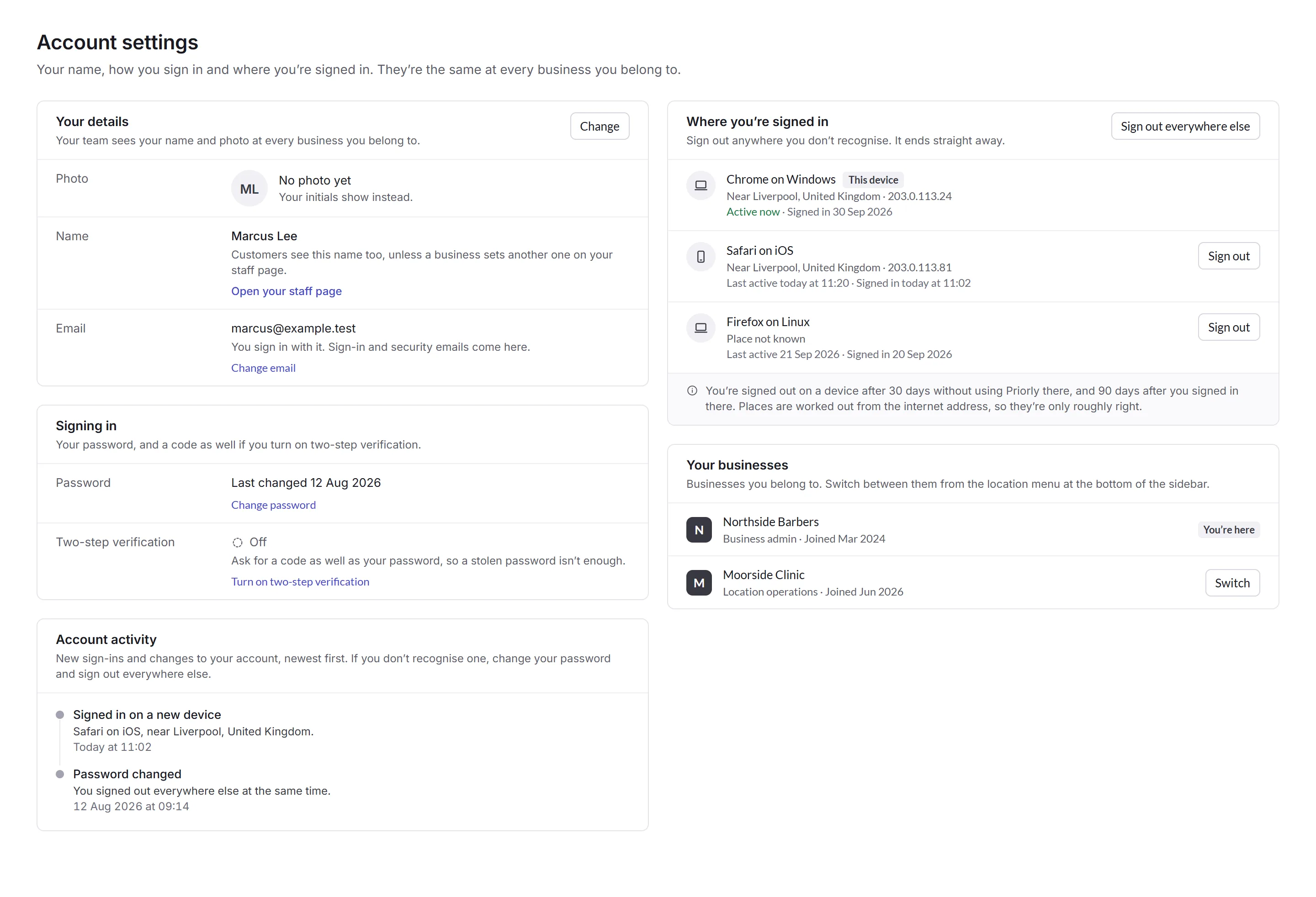
- Your details
- Your photo and name, which your team sees at every business. Customers see your name too, unless a business gives you another one on your staff page. Change email changes the email you sign in with, where sign-in and security emails come.
- Account activity
- New sign-ins and changes to your account, newest first. If you don't recognise one, change your password and sign out everywhere else.
- Your businesses
- Every business you belong to, with your access there. Switch to work in another, or use the menu at the top of the sidebar.
- Prescribing
- Only for prescribers: where your prescribing PIN is remembered, and for how long.
Your hours, time off and what you can do at a business are on your staff page there, not here. Open it from the menu under your name.
Signing in
- Password
- Change password.
- Two-step verification
- Asks for a code as well as your password each time you sign in, so a stolen password isn't enough. Choose An authenticator app, like Google Authenticator, Microsoft Authenticator or your password manager, which works without signal, or Codes by email.
- Backup codes
- With either way of getting codes, by email or an authenticator app, Priorly gives you backup codes. Each one lets you sign in once if you can't get a code, like when you lose your phone. Keep them somewhere safe, and make new ones when they run low.
Where you're signed in
Every device and browser you're signed in on, with roughly where it is and when it was last used. Places are worked out from the internet address, so they're only roughly right.
Sign out ends one straight away, and Sign out everywhere else ends all but this one. You're signed out on a device after 30 days without using Priorly there, and 90 days after you signed in there.