Olly
Olly is Priorly's assistant. Ask it how to do something, have it take you through a job step by step, or have it draft something for you to check, like a new form or a service description. Olly drafts; you decide.
Asking Olly
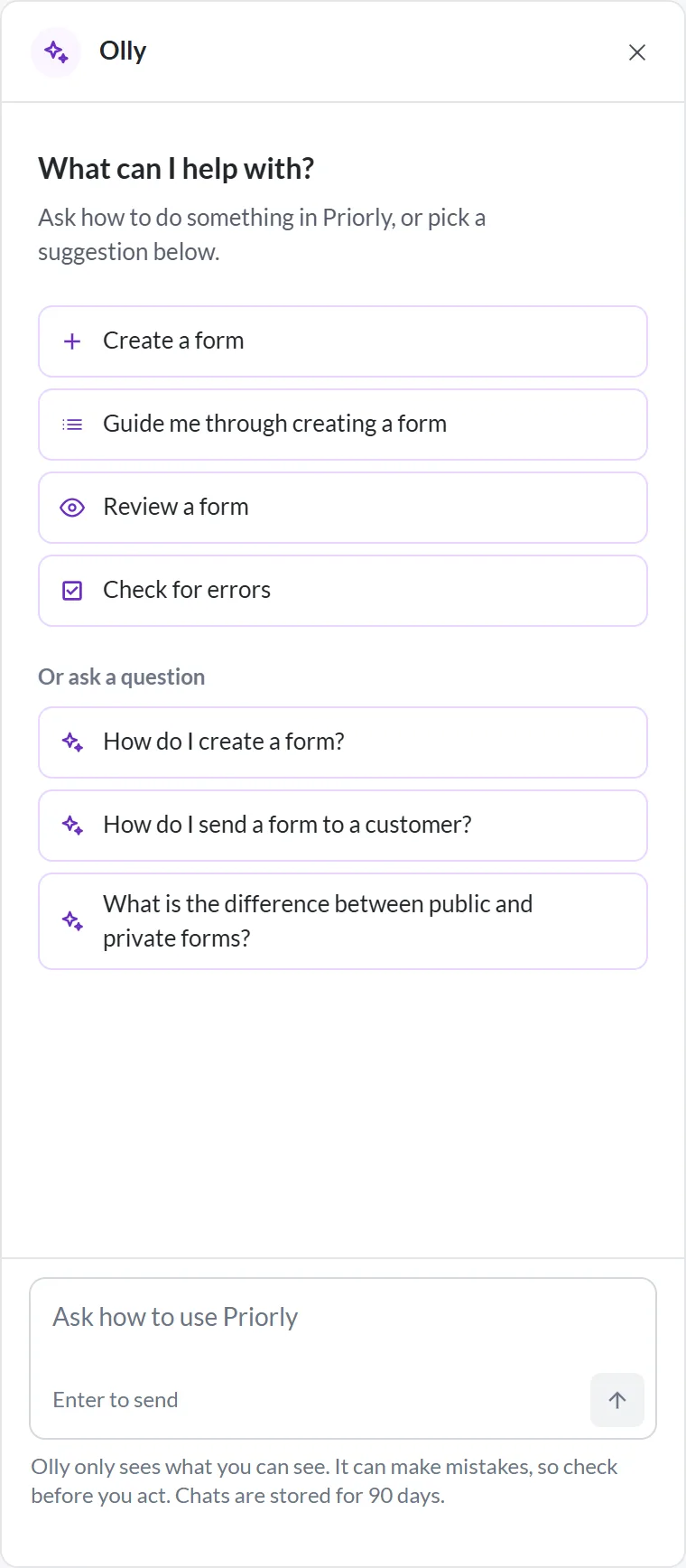
Click Ask Olly at the bottom of the sidebar. Olly opens beside the page you're on, with suggestions for that page. On a smaller screen it opens over the page.
- Asking
- Type a question and press Enter, or pick a suggestion. Answers link to related help, and suggest what you could ask next.
- Was it right?
- Mark an answer Helpful or Not helpful. Send chat to support shares the whole chat with Priorly.
- New chat
- Starts again. Press Esc or the × to close Olly; it stays open as you move between pages until you do.
- Elsewhere
- Home has a box under your greeting to find an order, patient or booking, or ask Olly. Reports have Ask Olly at the top, and some editors have their own Olly buttons.
What Olly can do
- Using Priorly
- Explains the page you're on, and answers how to do things.
- Finding things
- Your forms, services' booking links, video call links and payment links, and where an order has got to.
- Forms
- Create a form, Review a form and Check for errors. A new form, and any fixes you accept, go into a draft; your live form doesn't change until you publish.
- Form submissions
- Where it's switched on for a form, a summary of each submission, with the answers worth a closer look.
- Reports
- Answers questions about the reports you can see, compares periods, and drafts your own reports. It sees figures, never customers' names or health details.
- Services and products
- Fills in a service, or several at once, and writes descriptions for services and products.
- Recordings
- Notes, a summary and tasks from a recording, and note templates.
- Your store
- Checks and suggestions in the article editor, and Ask Olly in the page editor.
Guides
Olly can take you through a job on the real page, one step at a time: setting up a video call, creating a service, a form or a booking, cancelling, viewing or rescheduling a booking, adding a staff member, and approving, completing or fulfilling an order.
On Home, open Olly and click Browse all guides. Other pages suggest their own, like "Guide me through creating a booking", or you can type one. Each step says where you are, like Step 2 of 6, with Back, Next and End guide. The orders guide can use a practice order, with example data that's never saved.
What Olly sees and does
- Only what you can see
- Olly works as you, with your permissions, at your business and location.
- No customer details
- Customers' names and contact details never reach the AI. Health details only do for the jobs that need them, like summarising a form submission.
- It drafts, you decide
- Olly never publishes, sends, approves, refunds or deletes anything, or changes a setting. It doesn't give clinical advice, like a dose or a treatment. It can make mistakes, so check before you act.
- Your chats
- Kept for 90 days, and only you see them, unless you send one to support.
- Limits
- Each business has a daily allowance. If it runs out, Olly says when you can use it again.
Business admins and location admins can use Olly. Other staff need the Use Olly permission, in Staff. Olly is off while you're viewing as someone else.